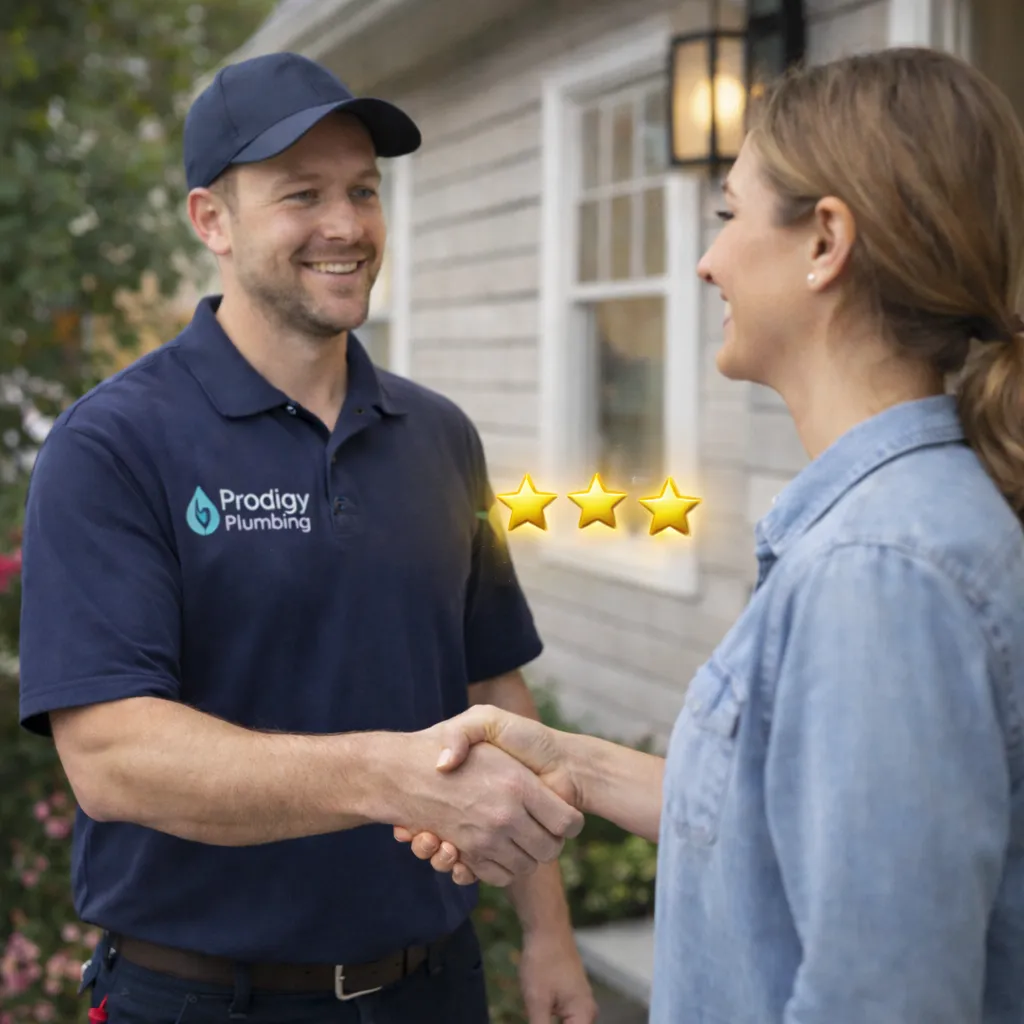
The Right Way to Request Reviews: A Step-by-Step Guide for Contractors
The Contractor’s Review Problem
If you run a plumbing, HVAC, or electrical business, you have a structural disadvantage when it comes to reviews: your team is in the field, not behind a desk. Technicians are focused on completing jobs, not remembering to send review requests. By the time invoices are sent and the week closes, the window has passed and another batch of completed jobs yielded zero new reviews.
Most contractors try to fix this by adding “ask for a review” to a post-job checklist. It lasts about two weeks. The team forgets, gets busy, or feels awkward asking — and the effort dies quietly. Then a quarterly marketing meeting happens, everyone notices the review count hasn’t moved, and the cycle repeats.
This guide walks through the step-by-step system that actually works for home service contractors. It’s not complicated, but each step matters. Skip one and you’ll leak conversions. Nail all of them and your review flow becomes automatic, predictable, and compounding.
Step 1: Identify the Perfect Ask Moment
The single most important decision in a review system is when you ask. Every research study and real-world test shows the same thing: the best time to request a review from a home service customer is within two hours of job completion, while the outcome and emotion are still fresh.
For contractors, “job completion” usually means one of these specific triggers:
- The technician marks the job complete in your dispatch software
- The invoice is generated or paid
- The technician texts the office saying they’re cleared from the property
Whichever trigger you pick, make it consistent. The system should fire exactly the same way every time a job closes, so the customer experience is predictable and the timing stays within that golden two-hour window.
Step 2: Choose Your Channel (SMS Wins)
Home service customers respond to three channels: SMS, email, and occasionally voice. The data is consistent across industries and geographies:
- SMS averages 30–45% response rates on review requests
- Email averages 8–15%
- Voice/phone call averages 40–55% but is labor-intensive and doesn’t scale
SMS wins on volume and efficiency. Most contractors already have customer phone numbers from the original service call, so the infrastructure already exists. The right customer review software will send the SMS automatically at the moment a job marks complete, without any human effort.
Email works as a backup or secondary channel 24–48 hours after SMS. Don’t skip it — it recovers maybe 15–20% of customers who didn’t click the text. But lead with SMS every time.
Step 3: Craft the Message
The message itself needs three ingredients: personal name recognition, specific job reference, and a direct link. Here’s the template structure:
Hi [First Name], this is [Technician Name] from [Company Name]. Really enjoyed helping you today with [specific service — “the AC repair,” “the water heater install”]. If you have a moment, a quick Google review would mean a lot to our team: [direct review link]. Thank you!
Personalization matters. “Hi customer” reads as spam and gets deleted. “Hi Mike” gets opened.
The specific job reference (“the water heater install”) makes it clear this isn’t a mass blast — it’s a real message about a real experience. It also subtly prompts the customer to think about the specific job, which leads to more specific reviews (which are better for SEO).
The direct link should go straight to your Google review form. If you send someone to “search for us on Google and leave a review,” you’ll lose 70% of potential responders to friction alone.
Step 4: Follow Up the Right Way
Even with a perfect first message, many customers get distracted before they actually leave the review. They mean to do it. They don’t. This is where automated follow-ups become a superpower.
The proven cadence:
- First ask: Within two hours of job completion via SMS
- First follow-up: 24 hours later via SMS if no review received
- Second follow-up: 72 hours later via email if still no review received
- Stop. Three touches maximum. Beyond that, you’re annoying customers.
A good automated system tracks whether a review has actually posted and stops sending follow-ups the moment it detects one. This prevents the awkward situation of pestering a customer who already left you 5 stars.
Step 5: Respond to Every Review
Responding to reviews is non-negotiable for ranking. Google uses response rate as a prominence signal, and customers use it as a trust signal. Every review, positive or negative, needs a response within 48 hours.
For positive reviews, keep responses warm and specific:
“Thank you, Sarah! So glad [Technician Name] got the drain cleared quickly. We appreciate you choosing [Company].”
For negative reviews, stay calm, apologize if appropriate, offer to make it right offline, and never argue publicly:
“Hi John, I’m sorry your experience didn’t meet expectations. I’d like to make this right. Please call me directly at [number] and I’ll personally look into what happened. — [Owner Name]”
Automation can handle the bulk of positive review responses with AI-generated personalized replies. Negative reviews should always get owner or manager attention before responding.
Step 6: Track and Improve
Treat review rate like any other operational KPI. Measure:
- New reviews per month (target: 10% of completed jobs minimum, 25%+ for top performers)
- Average star rating (target: 4.7 or higher)
- Response rate (target: 100% of reviews responded to within 48 hours)
- Review velocity trend (are you growing, flat, or declining month over month?)
Pull these numbers into your monthly business review alongside revenue and job count. What gets measured gets managed — and review rate has a direct line to revenue for any home service business.
Common Mistakes Contractors Make
A few patterns to avoid:
- Asking only happy customers (review gating) violates Google’s policies and risks profile suspension
- Offering incentives (discounts, gift cards) for reviews violates FTC rules and Google terms
- Asking weeks after the job — the emotional peak has passed and response rates collapse
- Generic messages — “please leave us a review” performs 3x worse than personalized requests
- No follow-up — you’re leaving 30–40% of potential reviews on the table
- Ignoring negative reviews — one unresponded complaint damages trust more than you’d think
Making It All Automatic
The beautiful thing about review systems: once you set them up correctly, they run themselves. Reviews Dominator handles every step of this playbook automatically — the trigger, the message, the follow-up, the response, the tracking. Your team keeps doing great work. The system keeps converting that work into reviews. Your ranking climbs. Your calls increase. And you stop having quarterly meetings about why the review count isn’t moving.
The right way to request reviews isn’t hard. It’s just disciplined, and automation makes the discipline automatic.
Ready to Put Your Reviews on Autopilot?
Stop chasing reviews manually. Reviews Dominator turns every completed job into a 5-star review opportunity — requesting, following up, and responding automatically. See how it works →
